Opta
- Timeline
- Sept – Dec 2024
- Team
- 6 (interactive designers, architects, computer engineer)
- My focus
- Ideation, wireframing, prototyping
- Disciplines
- Human–Machine Interaction, UX/UI, Research, Prototyping
- Tools
- Figma, Arduino, ProtoPie
Overview
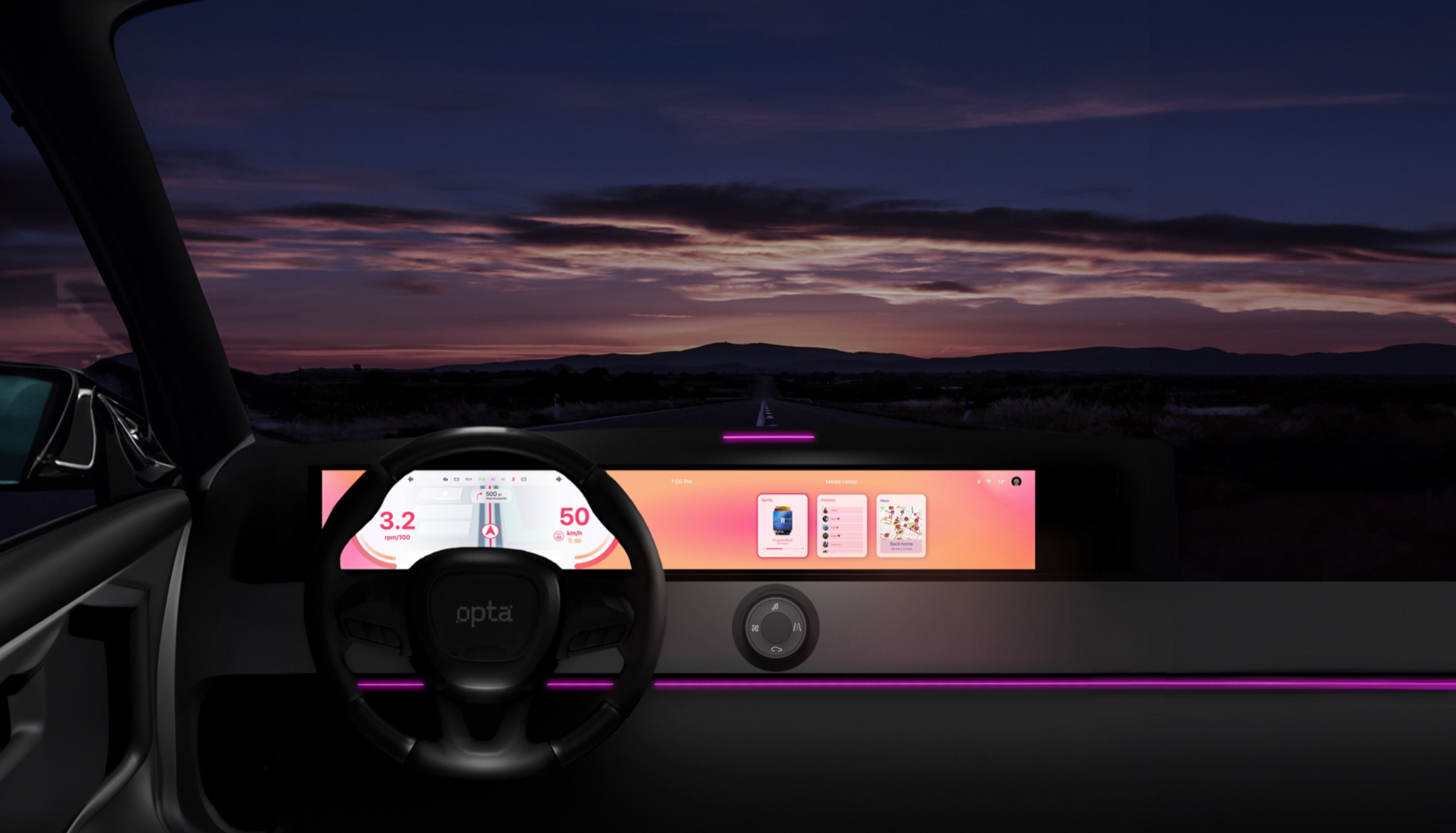
I designed an HMI concept for a shared “third-space” car in collaboration with Italdesign, tailored to an average user who values practicality, comfort, and affordability—combining a modern infotainment system with intuitive, low-distraction interaction through physical controls and voice.
Process
- Phase 1
Research
Literature review, shadowing, interviews and a focus group.
- Phase 2
Scenarios
Research insights turned into user scenarios.
- Phase 3
Experience
A personalized journey for the shared car.
- Phase 4
Madness Test
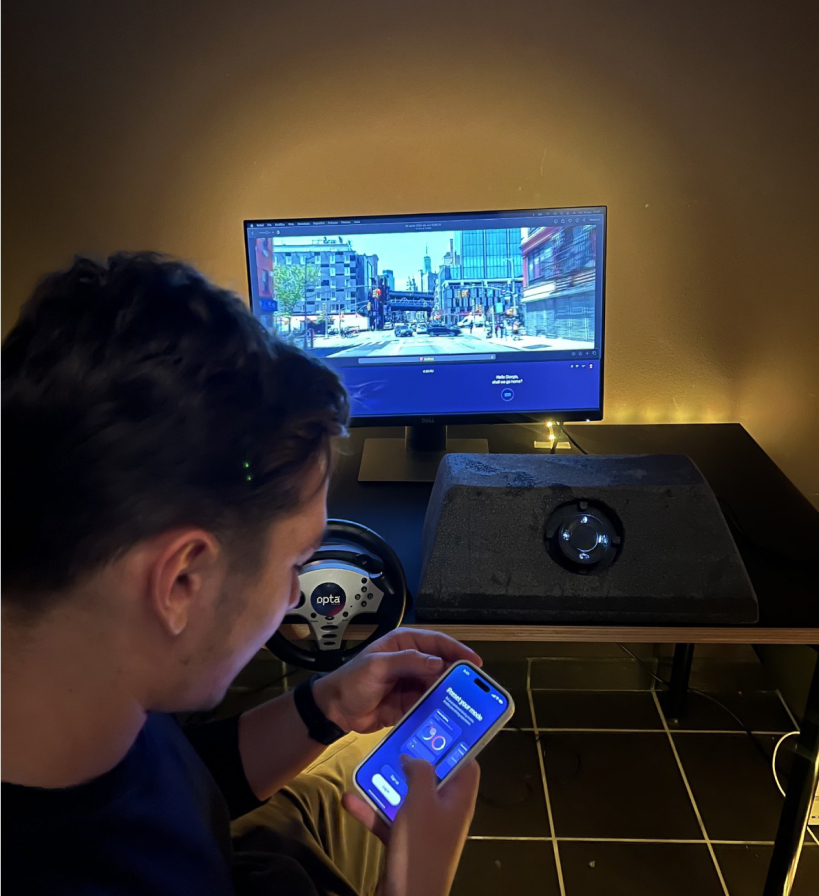
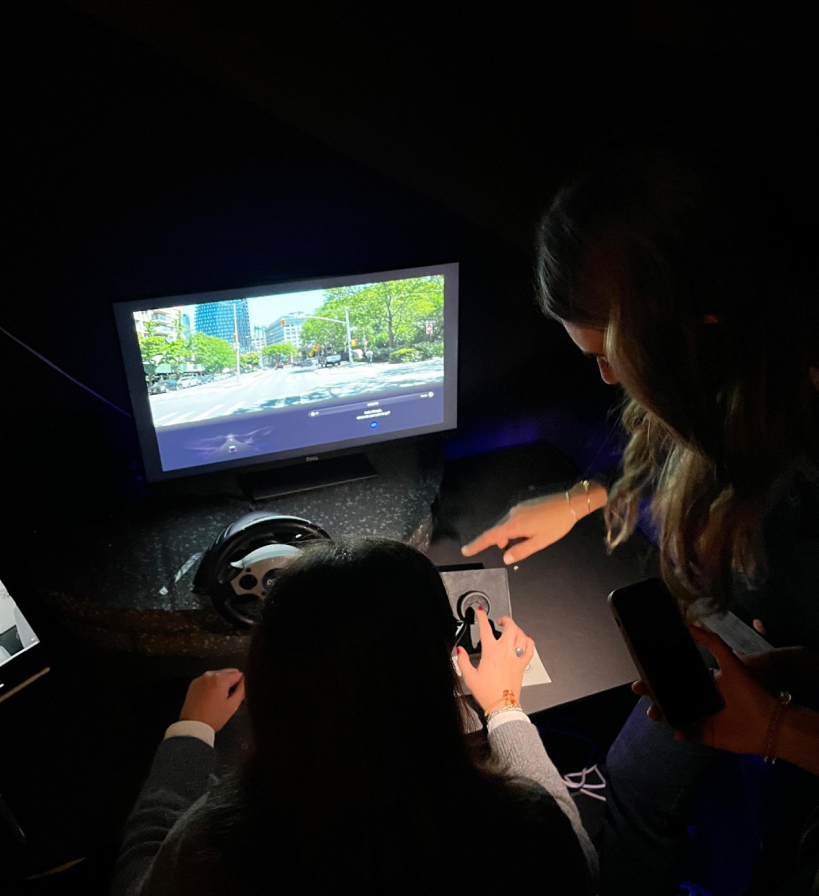
The app and the knob, tested in a story set ten years ahead.
- Phase 5
Interface
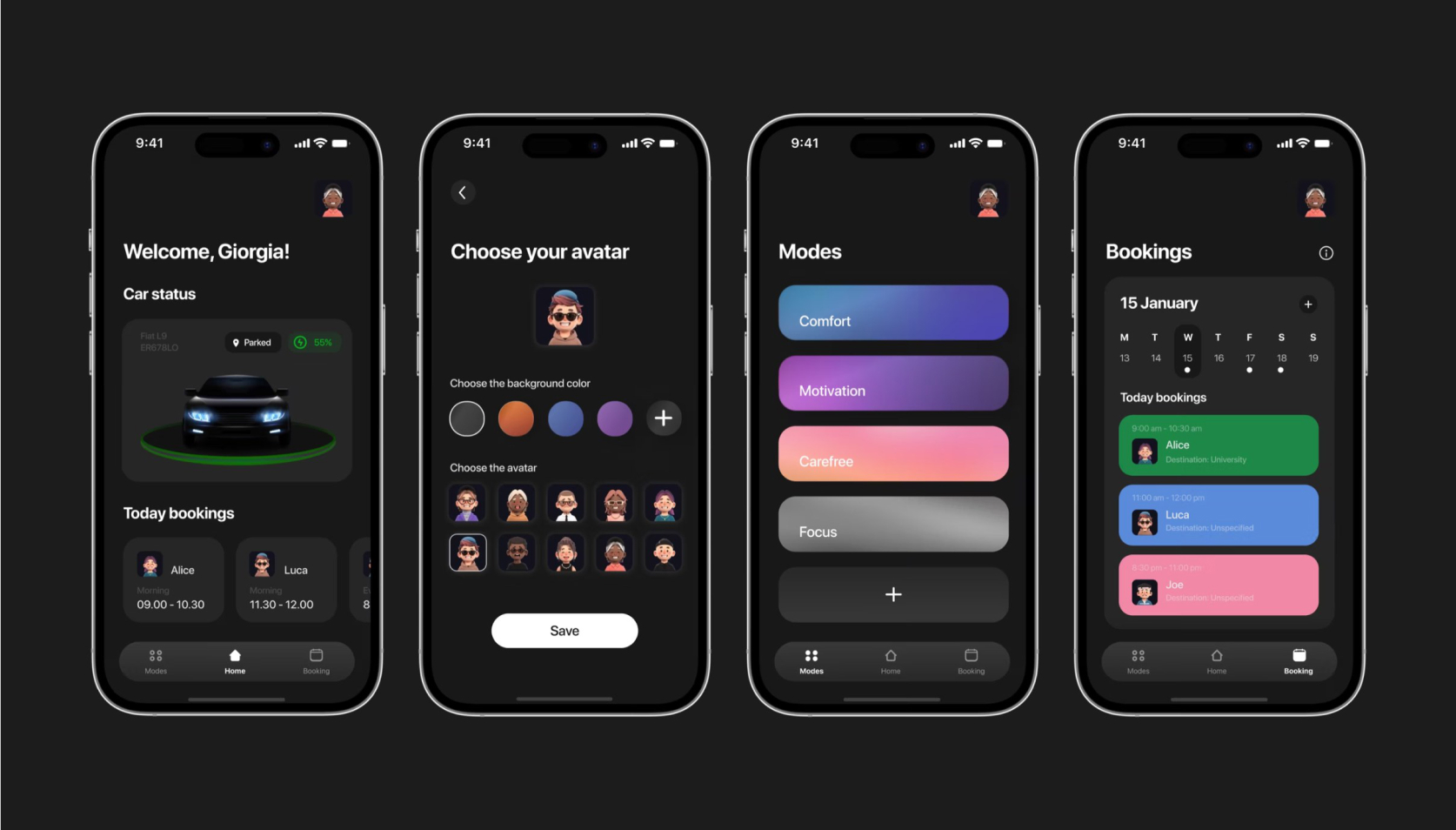
Wireframes and prototypes for the app and the dashboard.
Starting point
Design a shared-car HMI that feels modern and engaging, but stays simple, safe, and tactile.
As automotive experiences become increasingly screen-based, drivers face higher cognitive load and distraction. Shared mobility within small trusted circles adds new needs: personalization, quick handover between users, and a car that feels like a “third space” beyond home and work.
A literature review, shadowing, interviews and a focus group pointed to the same pain points: complex interfaces and touchscreen overuse.
Outcome
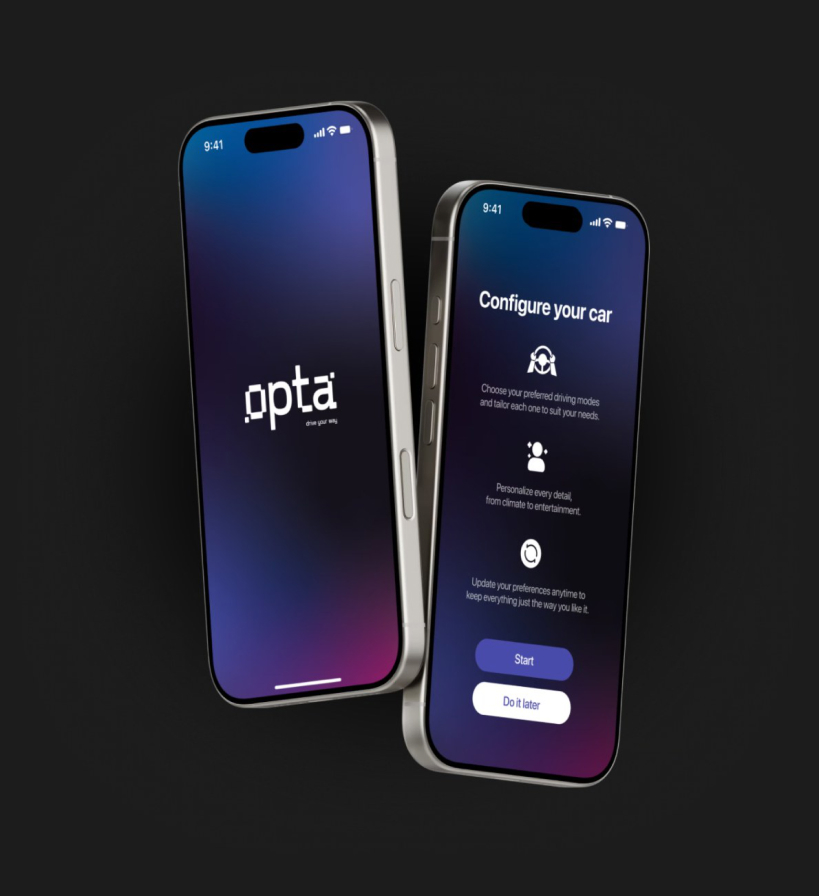
A coherent HMI and companion app experience for a shared vehicle service.
- 01
Personalized journeys
users set the atmosphere for each trip and quickly return to defaults.
- 02
Dual interaction model
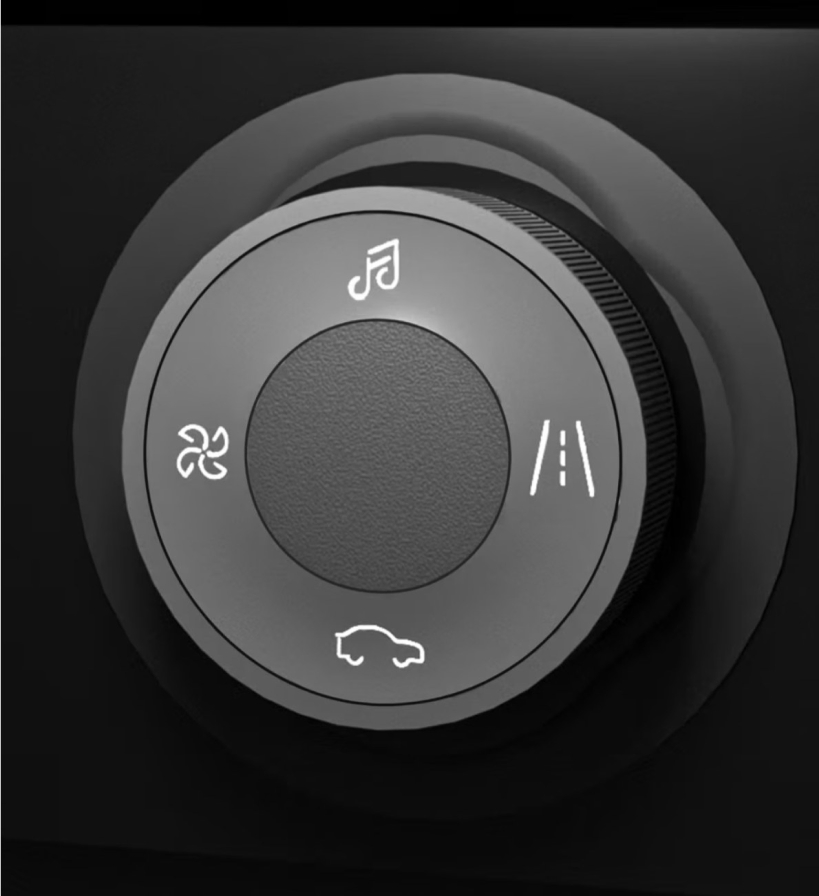
key functions controlled via a physical knob or voice assistant.
- 03
Clear information hierarchy
only the most relevant driving and comfort information is surfaced.
In the Madness Test, participants placed in a narrative set ten years ahead used both the app and the physical knob: it confirmed a strong preference for intuitive physical controls.
- Step 1
Request
- Step 2
Recognize
- Step 3
Welcome
- Step 4
Mode
- Step 5
Adaptation
- Step 6
Advice
Key design decisions
Physical-first interaction, to reduce distraction.
- 01
Knob-based navigation
primary in-car actions on the knob, with touch as secondary.
- 02
Mode clarity
driving modes and sections are instantly recognizable and easy to scan.
- 03
Shared-use readiness
fast personalization, simple reset, clear vehicle status.
- 04
Essentials always accessible
navigation and climate without deep menus.
- 05
Passenger-friendly features
interaction that does not interfere with driving tasks.
Methods
- Literature review
- Shadowing
- Interviews
- Focus group
- Scenario building
- Wireframing
- Low-fi prototyping
- User testing (Madness Test)